
App installieren
So wird die App in iOS installiert
Folge dem Video um zu sehen, wie unsere Website als Web-App auf dem Startbildschirm installiert werden kann.
Anmerkung: Diese Funktion ist in einigen Browsern möglicherweise nicht verfügbar.
Du verwendest einen veralteten Browser. Es ist möglich, dass diese oder andere Websites nicht korrekt angezeigt werden.
Du solltest ein Upgrade durchführen oder einen alternativen Browser verwenden.
Du solltest ein Upgrade durchführen oder einen alternativen Browser verwenden.
MULTI Spintires: Mudrunner
- Ersteller Nasreddin
- Erstellt am
Benutzer, welche sich diesen Thread anschauen:
Gesamt: 1 (Mitglieder: 0, Gäste: 1)


Ich freu mich auf heutige Matschfahrten. Geht leider erst ab 15:00 Uhr los, da ich vorher arbeiten muss.

Grafisch hat sich zum Vorgänger nicht soviel getan, die Außenkamera verhält sich nun etwas anders, die Cockpitkamera sieht sehr gut aus, dafür funktionieren die Spiegel nicht und man kann auch nicht wie bei ETS2/ATS beim Rückwärtsfahren aus dem Fahrerfenster schauen.
Das ganze läßt sich auch auf dem PC recht gut nur mit dem Pad steuern.
Um die Winde mit dem Gamepad zu benutzen:
- Außenansicht (L3)
- D-Pad hoch (Fortgeschrittenen-Modus)
- "Winde anbringen" mit (A) auswählen
- D-Pad links und rechts um Windenausgangspunkt am LKW/Anhänger auszuwählen, mit (A) bestätigen
- D-Pad links und rechts um Windenzielpunkt (markierte Bäume innerhalb des weißen Kreises um den LKW) auszuwählen, mit (A) bestätigen
- (Y) gedrückt halten um die Winde zu starten, gegebenenfalls mit dem Gaspedal unterstützen
- um die Winde wieder zu lösen, D-Pad hoch (Fortgeschrittenen-Modus), "Winde lösen" mit (A) auswählen
P.S.: Gewöhnt es euch an, bei jedem Halt die Handbremse anzuziehen!
Hänge runterzurollen oder rückwärts wieder in ein Matschloch zu rutschen, das ihr gerade mühsam verlassen habt, ist äußerst ärgerlich.
Das ganze läßt sich auch auf dem PC recht gut nur mit dem Pad steuern.
Um die Winde mit dem Gamepad zu benutzen:
- Außenansicht (L3)
- D-Pad hoch (Fortgeschrittenen-Modus)
- "Winde anbringen" mit (A) auswählen
- D-Pad links und rechts um Windenausgangspunkt am LKW/Anhänger auszuwählen, mit (A) bestätigen
- D-Pad links und rechts um Windenzielpunkt (markierte Bäume innerhalb des weißen Kreises um den LKW) auszuwählen, mit (A) bestätigen
- (Y) gedrückt halten um die Winde zu starten, gegebenenfalls mit dem Gaspedal unterstützen
- um die Winde wieder zu lösen, D-Pad hoch (Fortgeschrittenen-Modus), "Winde lösen" mit (A) auswählen
P.S.: Gewöhnt es euch an, bei jedem Halt die Handbremse anzuziehen!
Hänge runterzurollen oder rückwärts wieder in ein Matschloch zu rutschen, das ihr gerade mühsam verlassen habt, ist äußerst ärgerlich.
Zuletzt bearbeitet:
Da wollte ich den Russenjeep mal in einer Furt bis über das Dach vom Schlamm befreien, da treibt der einfach flußabwärts ab!
Zum Glück hatte ich einen Kirovets in der Nähe, mit dem ich ihn mit der Winde wieder rausangeln konnte.
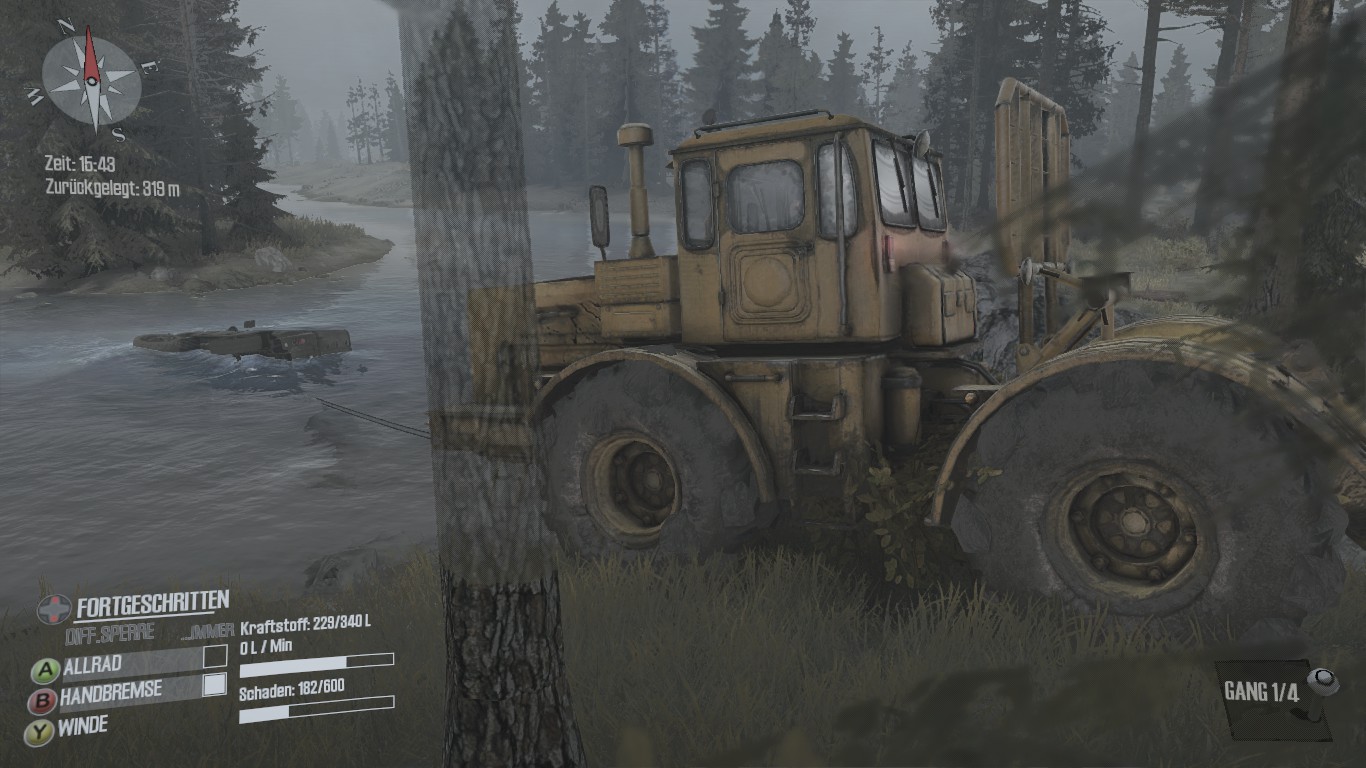
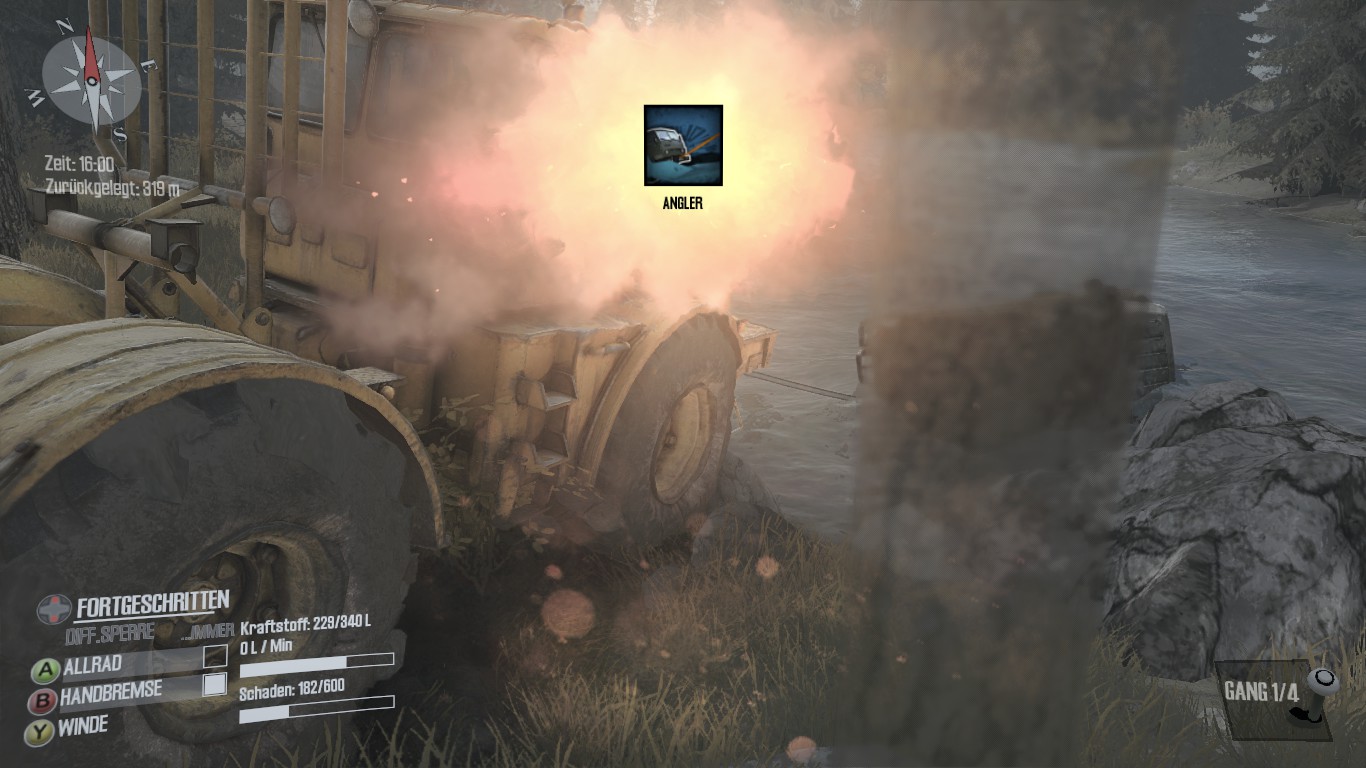
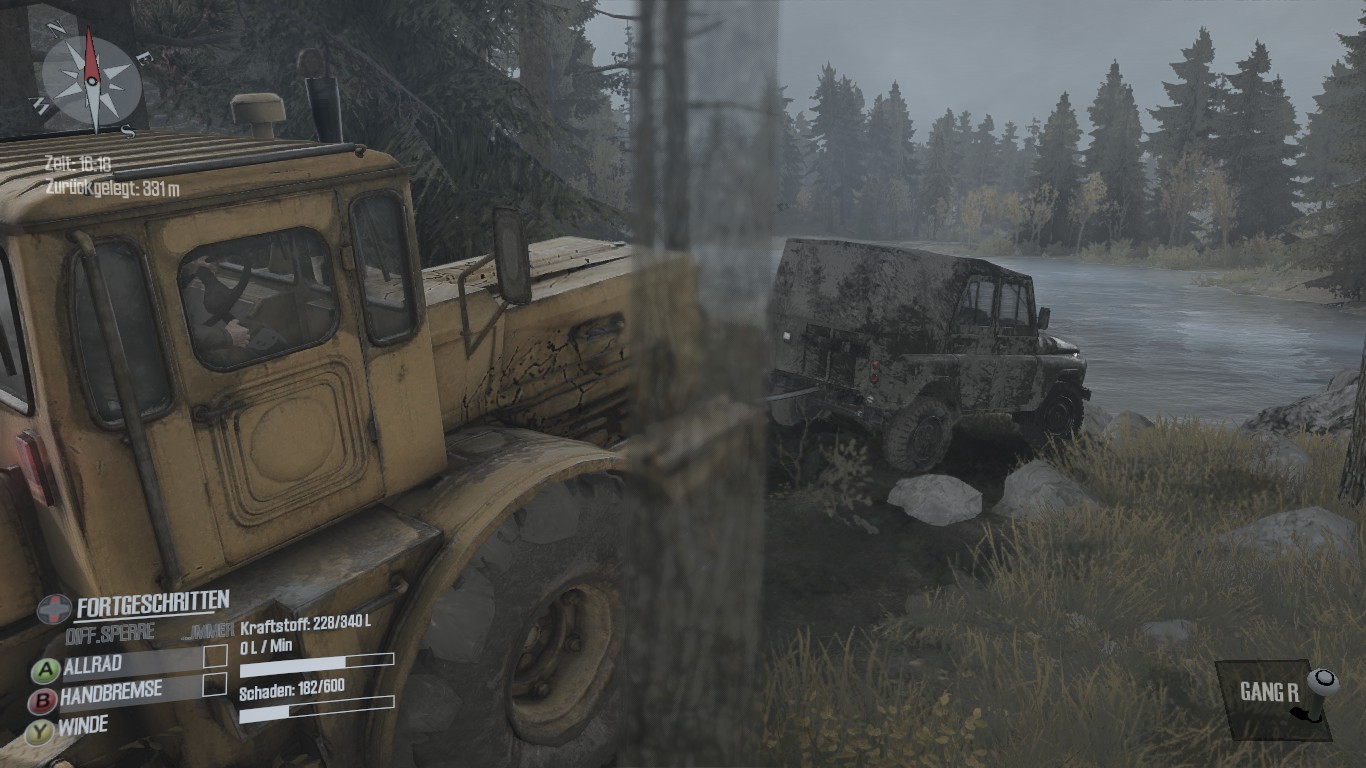
Ich werde die nächsten Tage mal ein paar mehr Tips und Tricks zusammenstellen, damit die Neueinsteiger besser mit dem Spiel klarkommen.
Die Screenshots stammen von meinem Laptop mit einem i5 2,4 GH und einer Intel HD 4000.
Im Gegensatz zum Vorgänger läuft das nur noch mit gefühlten 15 FPS, ist aber noch spielbar, es wurde also irgendwo etwas an der Grafikschraube gedreht.
Aber im Prinzip sollte das problemlos auf jeden Feld, Wald und Wiesen Desktop laufen.
Zum Glück hatte ich einen Kirovets in der Nähe, mit dem ich ihn mit der Winde wieder rausangeln konnte.
Ich werde die nächsten Tage mal ein paar mehr Tips und Tricks zusammenstellen, damit die Neueinsteiger besser mit dem Spiel klarkommen.
Die Screenshots stammen von meinem Laptop mit einem i5 2,4 GH und einer Intel HD 4000.
Im Gegensatz zum Vorgänger läuft das nur noch mit gefühlten 15 FPS, ist aber noch spielbar, es wurde also irgendwo etwas an der Grafikschraube gedreht.
Aber im Prinzip sollte das problemlos auf jeden Feld, Wald und Wiesen Desktop laufen.
Bei der dritten Challenge bei der man mit dem Jeep diesen Bergpfad rauf muß, hatte ich heute nach dem zigsten Absturz (des Fahrzeugs) genug und habe den Einzelspielermodus angefangen.
Die Sumpf-Karte habe ich nun schon seit dem Nachmittag gezockt und in der Zwischenzeit hatte ich schon alle Fahrzeuge und Beobachtungspunkte (schalten die Verdeckung der Karte aus) mit dem Jeep freigeschaltet.
Danach habe ich die Werkstatt freigeschaltet um hiernach die ersten Baumstämme zum Sägewerk zu transportieren.
Bei der Holzstation habe ich mir meinen LKW derbe an einem Holzstumpen demoliert (425 von 600 Punkten), unterwegs noch das Holz verloren und habe es gerade noch mit 14 von 300 Litern Sprit zur Tankstelle geschafft und mit weniger als 60 Punkten ein Stück weiter zur Werkstatt.
Taiga Schicksale!
Da ich die ganze Karte freigeschaltet habe, habe ich mir alles nochmals gründlich angeschaut und mir neue "Wege" ausgetüftelt um leichter das Holz von einer anderen Holzstation zu holen.
Die Steam-Version unterstützt auch Cloudspeicher, was ich sehr praktisch finde, da ich je nach Laune, Wochentag und Uhrzeit mal am Gaming-PC, HTPC oder Laptop spiele.
Wer hat es denn in der Zwischenzeit sonst noch gekauft und ausprobiert?
Die Sumpf-Karte habe ich nun schon seit dem Nachmittag gezockt und in der Zwischenzeit hatte ich schon alle Fahrzeuge und Beobachtungspunkte (schalten die Verdeckung der Karte aus) mit dem Jeep freigeschaltet.
Danach habe ich die Werkstatt freigeschaltet um hiernach die ersten Baumstämme zum Sägewerk zu transportieren.
Bei der Holzstation habe ich mir meinen LKW derbe an einem Holzstumpen demoliert (425 von 600 Punkten), unterwegs noch das Holz verloren und habe es gerade noch mit 14 von 300 Litern Sprit zur Tankstelle geschafft und mit weniger als 60 Punkten ein Stück weiter zur Werkstatt.
Taiga Schicksale!
Da ich die ganze Karte freigeschaltet habe, habe ich mir alles nochmals gründlich angeschaut und mir neue "Wege" ausgetüftelt um leichter das Holz von einer anderen Holzstation zu holen.
Die Steam-Version unterstützt auch Cloudspeicher, was ich sehr praktisch finde, da ich je nach Laune, Wochentag und Uhrzeit mal am Gaming-PC, HTPC oder Laptop spiele.
Wer hat es denn in der Zwischenzeit sonst noch gekauft und ausprobiert?
PC-Version:
http://steamcommunity.com/app/675010/discussions/0/1519260397778932149
Eben habe ich die erste Karte abgeschlossen.
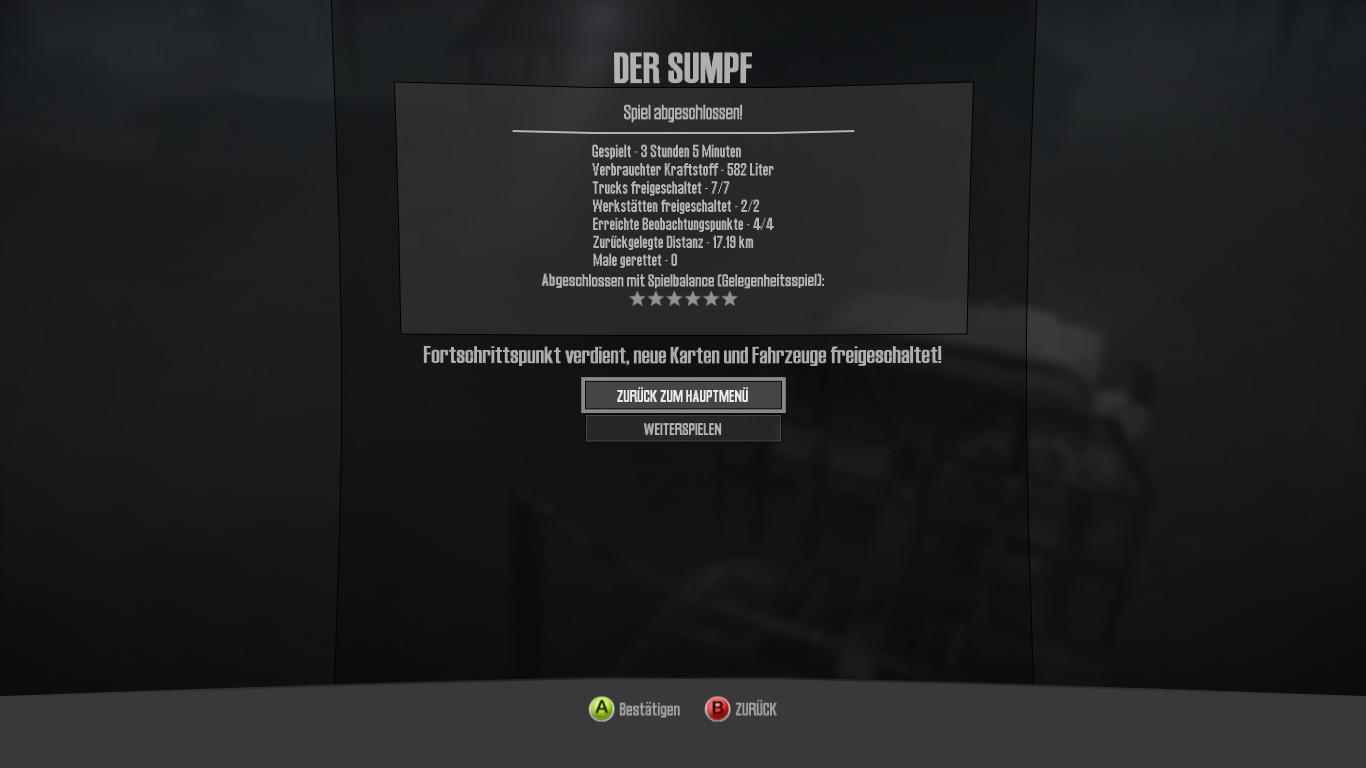
http://steamcommunity.com/app/675010/discussions/0/1519260397778932149
Peripheral Support In Spintires: MudRunner
Hi all!
Lots of players have been asking what kind of support for wheels **Spintires: MudRunner** will have. We’ve decided to take this opportunity to let you know exactly how we will be supporting wheels in the game.
First off, let’s start with the steering wheels that will be **officially** supported on PC.
These are:
- Logitech G920 + Driving Force Shifter
- Logitech G29 + Driving Force Shifter
- Thrustmaster T300
- Logitech G27 Steering Wheel
- Logitech G Saitek Farming Sim
The drivers for the wheels that need them are listed below:
- Logitech G920 + Driving Force Shifter : http://support.logitech.com/en_us/product/g920-driving-force/downloads
- Logitech G27 : http://support.logitech.com/en_us/product/g27-racing-wheel/downloads
- Logitech G29 + Driving Force Shifter : http://support.logitech.com/en_us/product/g29-driving-force/downloads
All of these wheels have been officially tested and will be detected by the game, as well as have official presets for their control schemes. In order to get optimal use of these, you’ll want to rebound inputs through the game’s settings.
Any other wheels should work with Spintires: MudRunner, provided you have the correct drivers installed, but we don’t currently officially support them.
You will be able to fully rebind controls for any of these wheels, should you not be satisified with the default presets.
To access these presets, you will need to:
- Go into the "Controls" menu
- Proceed to the "Wheels" tab.
- Once there, press the "Defaults" button in order to set the defaults to your specific device.
- If you're using a manual gear shifter, check the checkbox "Manual Gearbox With Clutch"
With regards to controllers on PC, we do plan to support the usual controllers.
- Keyboard and Mouse : Full Support
- Xbox One Controller (Elite and Regular) : Full Support
- Xbox 360 Controller: Full Support
- Steam Controller : Supported as XInput - can be customised through Steam Big Picture (UI won't update)
- PS4 Controller: Partial support through Steam Big Picture - UI does not show PS4 inputs
On consoles, obviously, you'll be able to use the controllers that typically work with the console. You won't be able to use ones that don't normally work, so no Xbox One controller for PS4 Spintires: MudRunner, or vice versa.
As always, let us know if you have any questions!
Eben habe ich die erste Karte abgeschlossen.
Auf der xbox läuft es rund. Man hat nicht das Gefühl das es mit niedriger Framerate läuft aber das Spiel ist ja auch eher gemächlich. Anfangs kann man viel falsch machen, z.B. ohne entsprechende Ausrüstung zur Holzbeladung fahren, wo man dann erfährt das einem ein entscheidendes Anbauteil fehlt.
Mit einem Gefährt hatte ich so einen heftigen Kontakt mit einem Baum, das es sofort 800 von 800 Schaden hatte.
Das Spiel macht schon Spaß, man braucht allerdings viel Geduld. Wir werden es demnächst mal online zu zweit versuchen.
Ich habe nach den ersten Versuchen von Simulation auf Gelegenheitsspieler umgestellt.
Man sieht sich dann im Matsch!
Mit einem Gefährt hatte ich so einen heftigen Kontakt mit einem Baum, das es sofort 800 von 800 Schaden hatte.
Das Spiel macht schon Spaß, man braucht allerdings viel Geduld. Wir werden es demnächst mal online zu zweit versuchen.
Ich habe nach den ersten Versuchen von Simulation auf Gelegenheitsspieler umgestellt.
Man sieht sich dann im Matsch!

Weiß jemand wann der BW-Mod kommt?

Phenomenon
Spaßbremse
Ich warte noch auf meine Xbox One version von AmazonWer hat es denn in der Zwischenzeit sonst noch gekauft und ausprobiert?
Dank der gut durchdachten Controllersteuerung habe ich das bald länger gespielt als den Vorgänger - obwohl es fast das gleiche Spiel ist.
In einer Herausforderung durfte ich schon Baumstämme mit dem Kranausleger aufladen und auch das klappte recht gut.
Einige Herausforderungen haben es echt in sich und da bin ich erstmal froh, wenn ich die überhaupt schaffe, da sind mir die Zusatzziele dann auch egal.
Ich sage nur Hill Climb mit dem Jeep...
Was man auch nicht unterschätzen sollte sind die Tiefe und die Strömung von Flüssen in Meeresnähe.
Da klappen auch gut beladene Tanklaster durch die starke Strömung wie Klappmesser ein:
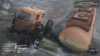
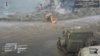
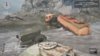
Raus kam ich nicht, weil dort größere Steinbrocken lagen und rückwärts ging es auch nicht mehr, also kam ich mit dem zweiten LKW zu Hilfe, der anscheinend auch noch schwerer war:
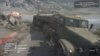
Mit der Seilwinde konnte ich dann den orangenen Tanklaster über die Steinbrocken ziehen, bis er wieder selbst fahren konnte:
Danack kam die zweite Flußmündung und ich dachte mir, als Elefantenkarawane per Seilwinde sollte es doch möglich sein, da durchzukommen...
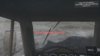
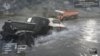
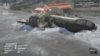
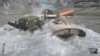
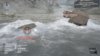
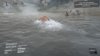
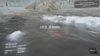
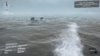
Gut, das war jetzt nicht von Erfolg gekrönt...
In einer Herausforderung durfte ich schon Baumstämme mit dem Kranausleger aufladen und auch das klappte recht gut.
Einige Herausforderungen haben es echt in sich und da bin ich erstmal froh, wenn ich die überhaupt schaffe, da sind mir die Zusatzziele dann auch egal.
Ich sage nur Hill Climb mit dem Jeep...
Was man auch nicht unterschätzen sollte sind die Tiefe und die Strömung von Flüssen in Meeresnähe.
Da klappen auch gut beladene Tanklaster durch die starke Strömung wie Klappmesser ein:
Raus kam ich nicht, weil dort größere Steinbrocken lagen und rückwärts ging es auch nicht mehr, also kam ich mit dem zweiten LKW zu Hilfe, der anscheinend auch noch schwerer war:
Mit der Seilwinde konnte ich dann den orangenen Tanklaster über die Steinbrocken ziehen, bis er wieder selbst fahren konnte:
Danack kam die zweite Flußmündung und ich dachte mir, als Elefantenkarawane per Seilwinde sollte es doch möglich sein, da durchzukommen...
Gut, das war jetzt nicht von Erfolg gekrönt...





@animalica : Deine Berichte sind super, danke.
Phenomenon
Spaßbremse
Kann man die Kamera irgendwie fest hinter den Fahrzeugen positionieren?
Phenomenon
Spaßbremse
Hat jemand Tipps zur Challenge "Lieferung", wo man als Bonusziel den Truck aus dem Fluss ziehen muss? Krieg das irgendwie nicht hin, schaffe es zwar, die Winde anzubringen, aber mein LKW kommt dann nicht mehr vorwärts.
An der Mission bin ich auch noch am knacken, beim letzten Versuch habe ich den grünen Kurzhauber samt Anhänger rückwärts ins Meer gefahren, bis Oberkante Haube.
Denn um den LKW im Meer freizuschalten, muß man zuerst nah genug rankommen.
Dann habe ich die Winde vom Anhänger am abgesoffenen LKW befestigt, bekam den aber nicht frei - stattdessen trieb kurz darauf das ganze Abschleppgespann langsam aber sicher ins Meer.
Darum habe ich eben doch mal nach einem Video gesucht, in dem diese Aufgabe geschafft wird und ich bin fündig geworden:
Eigentlich will ich bei diesem Spiel keine Hilfe in Anspruch nehmen, es sei denn, ich habe vorher so einiges ausprobiert.
Denn um den LKW im Meer freizuschalten, muß man zuerst nah genug rankommen.
Dann habe ich die Winde vom Anhänger am abgesoffenen LKW befestigt, bekam den aber nicht frei - stattdessen trieb kurz darauf das ganze Abschleppgespann langsam aber sicher ins Meer.
Darum habe ich eben doch mal nach einem Video gesucht, in dem diese Aufgabe geschafft wird und ich bin fündig geworden:
Eigentlich will ich bei diesem Spiel keine Hilfe in Anspruch nehmen, es sei denn, ich habe vorher so einiges ausprobiert.
Phenomenon
Spaßbremse
Hab es jetzt geschafft. Wichtig ist, die richtige Stelle zu erwischen (da wo es flach reingeht), an der man mit dem gesamten Gespann (hab auch den grünen genommen), rückwärts in den Fluss fährt. Den orangen Sattelschlepper unbedingt in der Nähe positionieren, damit man sich an dem wieder aus dem Fluß rausziehen kann. Dann den kaputten LKW bis zum Ufer ziehen, von der Seite umdrehen und voll rausholen.
Ähnliche Themen

- Antworten
- 162
- Aufrufe
- 17K

- Antworten
- 2
- Aufrufe
- 128

- Antworten
- 52
- Aufrufe
- 5K
G

- Antworten
- 2
- Aufrufe
- 1K