G
Gelöschte Mitglieder 228
Gast
Ich riskiere es jetzt mal 

Folge dem Video um zu sehen, wie unsere Website als Web-App auf dem Startbildschirm installiert werden kann.
Anmerkung: Diese Funktion ist in einigen Browsern möglicherweise nicht verfügbar.
edit: Hab gerade nochmal gekuckt im jetzigen Treiber:

Da ist doch die Option dafür schon? In den globalen Spieleinstellungen, von OpenGL steht da nix.
Davon abgesehn, hab den Relive Treiber im 2.Pc mit ner 380x probiert und direkt wieder runtergeworfen, hat die Lueftersteuerung zerhauen

MSI Afterburner vorher nicht runtergeworfen?
Bei mir läuft der Relive Treiber seit Releasetag in allen bisher getesteten Spielen absolut stabil und problemlos.
Hab Afterburner nicht auf dem Pc^^MSI Afterburner vorher nicht runtergeworfen?
Bei mir läuft der Relive Treiber seit Releasetag in allen bisher getesteten Spielen absolut stabil und problemlos.
Fixed Issues
- AMD FreeSync™ technology may experience performance issues with Borderless Fullscreen application support when a secondary display is attached and has dynamic content running such as video playback in a web browser or if other applications or game launchers are running on the primary screen in the background. A workaround if this issue is experienced is to minimize all other running applications that are on the primary desktop display or on non-primary extended displays.
- Radeon ReLive may fail to install during installation on some system configurations.
- Battlefield™1 may experience flashing or corruption when running in Multi GPU with Radeon RX 400 series.
- Instant Replay fails to enable itself after it has been turned off due to content protection.
- Radeon Settings may not load on system boot for some system configurations.
- Fixed some errors in translations for Radeon Settings and Radeon ReLive.
- Audio recorded by Radeon ReLive may sometimes exhibit slow motion when played back.
- Radeon ReLive may experience recording issues or issues toggling the Overlay/Toolbar when Frame Rate Target Control is enabled. Users are suggested to disable Frame Rate Target Control when using Radeon ReLive.
- Mouse cursor may stutter in recorded video when there is limited on screen activity outside of minor mouse movement.
- In AMD Multi GPU configurations the secondary graphics product will exit the low power state when Radeon ReLive is enabled.
- Radeon ReLive may sometimes not be able to take screenshots of secondary displays.
- Chromium may fail to utilize hybrid decode for VP9 content.
- DOTA™2 may experience game corruption when performing a task switch while recording with Radeon ReLive in AMD Multi GPU configurations.
- Radeon ReLive Overlay/Toolbar will not launch or Record when running League of Legends™ in Administrator Mode and Windowed Borderless Fullscreen.
- Long ping times may be experienced with some WiFi adapters.
Support For
- Resident Evil™ 7: Biohazard
Fixed Issues
- Dishonored™2 may experience an application crash or hang on some Radeon R9 380 configurations.
- Radeon ReLive may show an improper warning popup message when using Windows®7 basic themes.
- AMD XConnect™ Technology configurations may experience a blue screen system hang when audio drivers load.
- Solidworks™ will no longer terminate on unplug using AMD XConnect™ Technology configurations.
- Some system configurations may experience a black screen after installing Radeon Software Crimson ReLive Editions 16.12.1 and later.
- Display corruption or TDR may be experienced after applications wake up from a display timeout.
- Paragon™ may experience flickering in Multi GPU with DirectX®11.
- Radeon ReLive may crash or become unresponsive when toggling Multi GPU with Desktop Recording and/or Instant Replay enabled.

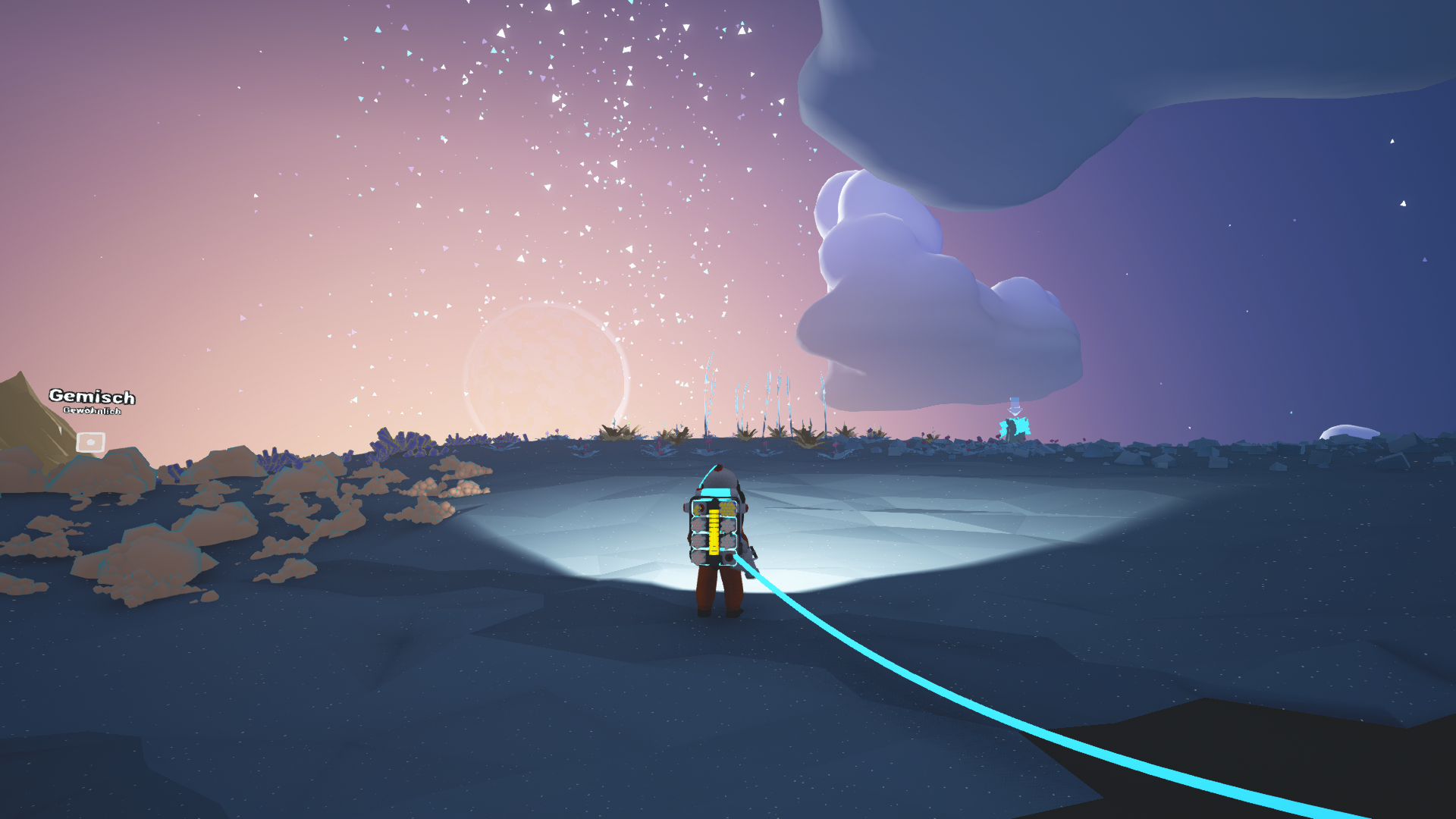
Sind bei euch die Screenshots, welche per ReLive gemacht worden, auch so komisch weich?
Die Schrift links betrifft das was ich meine. Im Spiel sieht es deutlich "härter" aus. Kommt mir schon fast so vor wie der Kantenglättungsfilter bei Retro Spielen.
Wasn das fürn Spiel?
Support For
- For Honor™
- Up to 4% performance improvement measured on Radeon RX 480 series products when compared to Radeon Software Crimson ReLive edition 17.1.2(1)
- Sniper Elite™ 4
- Up to 5% performance improvement measured on Radeon RX 480 series products when compared to Radeon Software Crimson ReLive edition 17.1.2.(2)
Fixed Issues
- For Honor™ may experience an application crash when switching to fullscreen or menus in gameplay on Multi GPU configurations
- On some Radeon GCN products DXVA H.264 encoded video may experience corruption when fast forwarding or seeking through content
- AMD FreeSync™ technology mode may fail to enable itself on some fullscreen applications.
- Counter-Strike™: Global Offensive has incorrect default slider values with Radeon Chill enabled. Users can modify these values to suit the experience they want.
- Graphics processor information may be missing from system information overlay on Radeon ReLive captured videos.
- DayZ may experience an application crash when Radeon ReLive Instant Replay/Recording is active or the feature may not work as expected.
- Memory clocks may become locked at low states on Radeon R9 380 series products.
- Radeon ReLive recording in fullscreen with Windows Media Player or Power DVD may experience flickering.
- AMD Radeon HD 7900 series products may experience shadow corruption when shadows are disabled in Civilization™ VI.
- GRID™ Autosport may experience an application hang when enabling the advanced lighting graphics option
https://www.computerbase.de/2017-07/crimson-17.7.2-benchmark/Der Crimson ReLive 17.7.2
AMDs neuer Radeon-Treiber Crimson 17.7.2 ist kein so flächendeckend überarbeiteter Treiber wie der erste Crimson oder der erste Crimson ReLive. Entsprechend heißt die Software mit vollem Namen auch immer noch Crimson ReLive 17.7.2. Aber es hat sich deutlich mehr getan als bei einem klassischen Treiber-Release – viel mehr.
Die Verbesserungen umfassen dabei diverse Gebiete: Die Menüoberfläche des Treibers, das Recording- und Streaming-Feature ReLive, Chill für eine dynamische Anpassung der Framerate, eine geringere Latenz beim Spielen, neue Features für Wattman, mit Enhanced Sync eine neue Synchronisation neben VSync und noch mehr.
Radeon Software Adrenalin Edition 17.12.1 Highlights
Radeon Settings
Radeon Overlay
- Added new Connect tab which houses new social engagement features.
- Added new Gallery tab for Radeon ReLive recording file management, video trimming, and social platform sharing functionality.
- Added new Accounts tab to connect ReLive content and upload sharing to social platforms
- Added new Resource Center tab highlighting informative guides and instructions for Radeon Software features.
- Added new Performance Monitoring tab.
- Added three UI themes for Radeon Settings customization.
- Added new AMD Link tab to connect Radeon Settings to the AMD Link mobile application. For more information on AMD Link visithere.
Radeon ReLive
- Added new Overlay feature (default ALT+R) allowing management of certain Radeon Settings features while in-game or on desktop such as Radeon ReLive, Radeon FreeSync, Radeon Chill, Frame Rate Target Control, Display Color, and Performance Monitoring.
- Added performance monitoring overlay to display system performance metrics in DirectX® 9, 11, 12, and Vulkan™ applications.
- Added performance logging feature to save performance metrics to a file.
Radeon Chill
- Further optimized for lower FPS overhead while using Radeon ReLive for recording. (RS-198)
- Added support for Vulkan™ API.
- Added support for Eyefinity.
- Added support for borderless window region capture.
- Added support for mouse button hotkeys.
- Added chat and viewer count overlay for Radeon ReLive live streaming to supported platforms.
- Added Chroma Key support to allow background transparency when using a webcam.
- Now supports expanded social platforms.
- Now supports separate microphone and audio track recording.
Enhanced Sync
- Radeon Chill now has expanded support for most game titles.
Radeon WattMan
- Added support for all GCN-based Radeon graphics products.
- Added support for Vulkan™ API.
- Added support Multi-GPU configurations.
- Added support for Eyefinity configurations.
Frame Rate Target Control
- Added new profile functionality to save and load user defined Radeon WattMan profile configurations to local hard disk.
Radeon FreeSync
- Added support for Vulkan™ API.
- Added support for HDR10 titles with Radeon FreeSync2 displays.
- Added per-application Radeon FreeSync support.

Wir verwenden essentielle Cookies, damit diese Website funktioniert, und optionale Cookies, um den Komfort bei der Nutzung zu verbessern.
Siehe weitere Informationen und konfiguriere deine Einstellungen